
1 / 3
Cyber · Smart Home
See every signal
around your home.
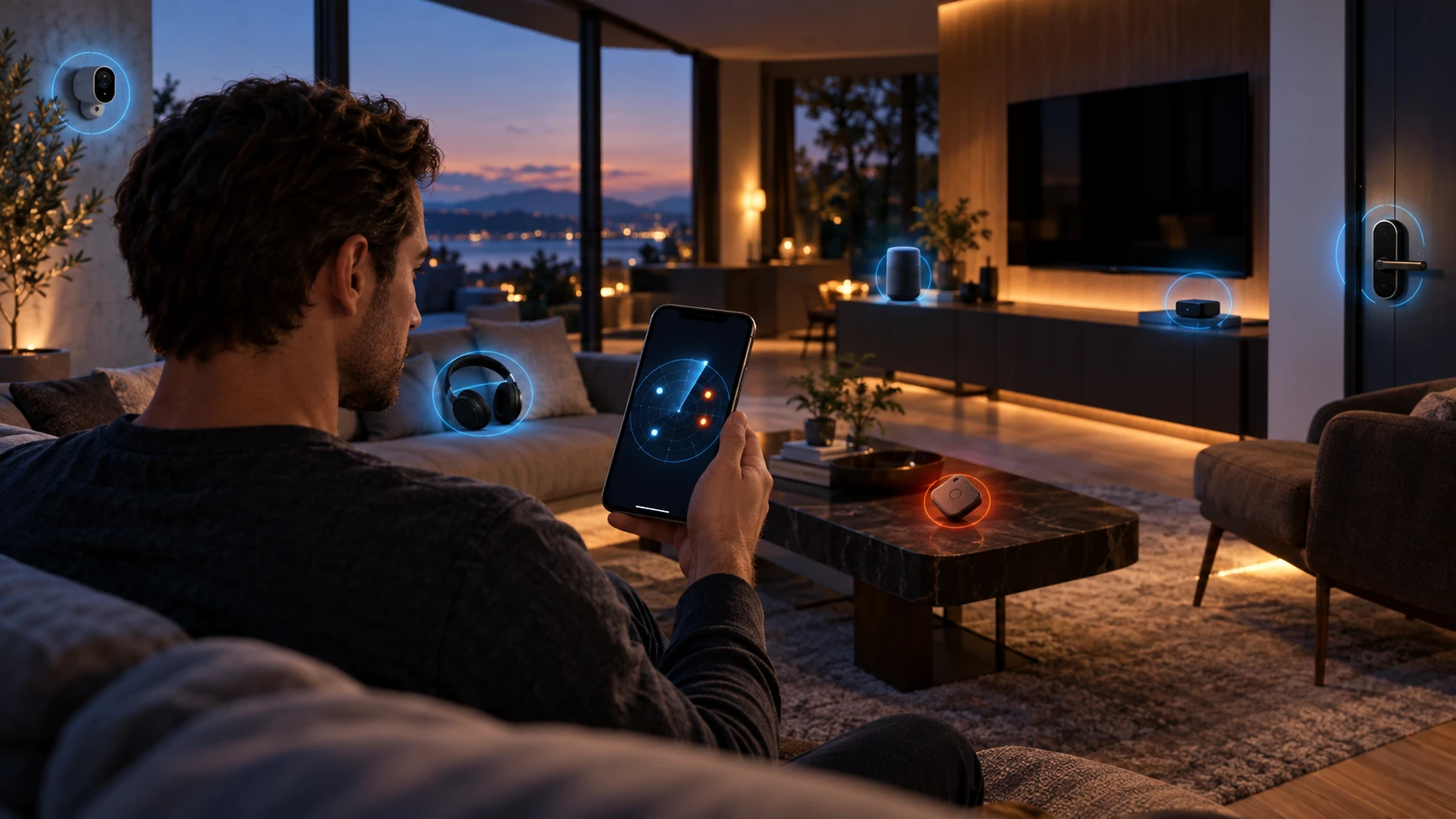
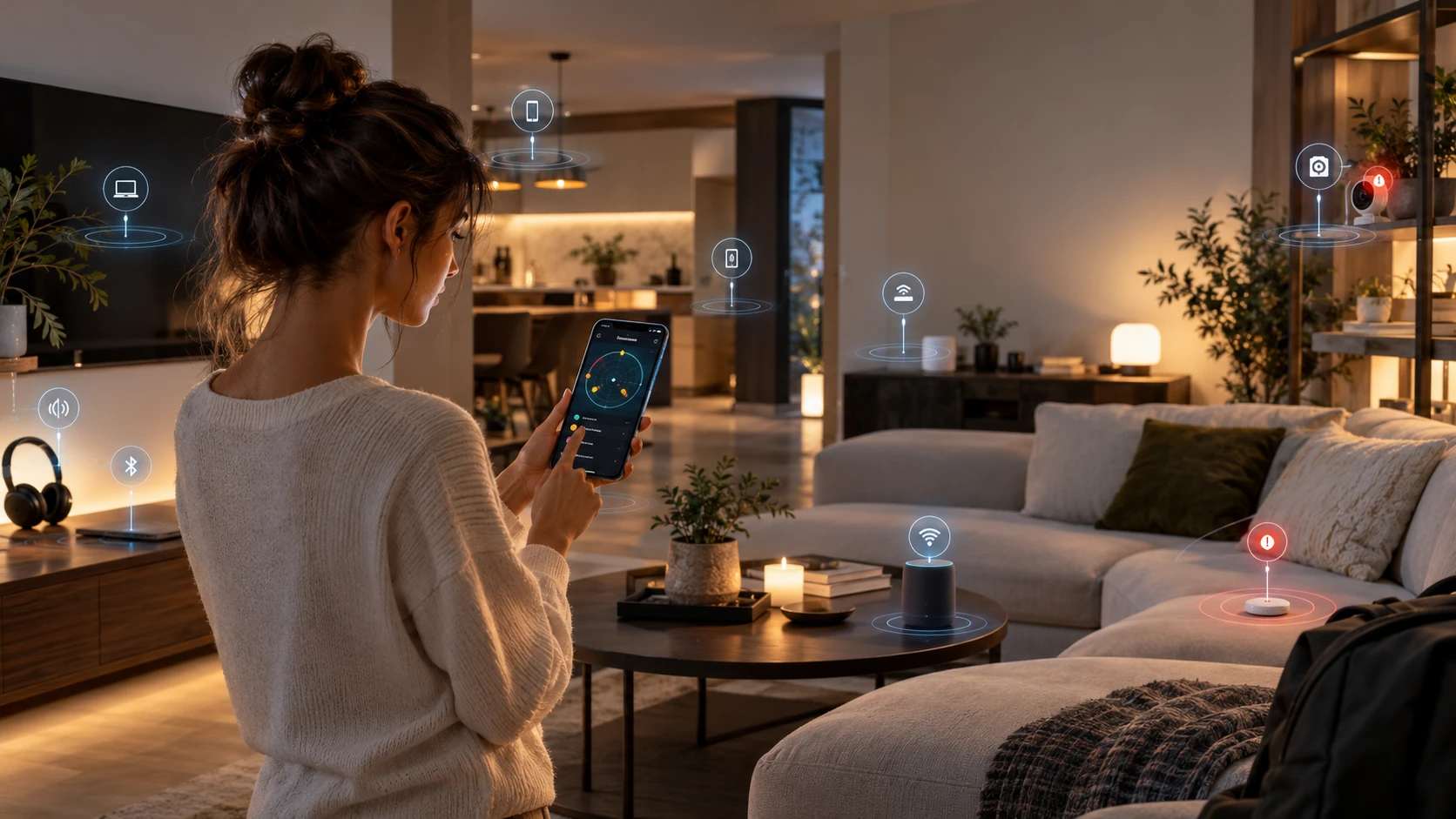
Sentry scans the Bluetooth devices broadcasting near you, scores each one for risk, and — the part that matters — tells you exactly how to secure it. A rogue tracker, an unknown camera, a stray input device: you'll know what it is and what to do. Everything is analyzed on your device; nothing is uploaded.
What Sentry does for you
A pocket security sweep for your home and personal space — no account, nothing uploaded.
📡 Spot rogue trackers
Catch AirTag-style trackers that may be following you or your bag.
📷 Find cameras & recorders
Surface nearby devices advertising as cameras, doorbells or recorders.
🔍 Identify unknown devices
See what’s broadcasting around you — and whether it’s actually yours.
🔨 Know what to do
Every device comes with a plain-English step to secure or remove it.
✅ Harden your home
A checklist that raises your security score as you tick items off.
🔒 Private by design
Everything is analyzed on your device. Nothing is ever uploaded.
What Sentry can identify
From a Bluetooth scan, Sentry sorts each nearby device into one of these and flags its risk:
📡 Trackers — AirTag, Tile, SmartTag, Find-My tags
📷 Cameras & recorders — spy-cams, doorbells, body/dash-cams, DVR/NVR, Wyze, Blink, Arlo, Ring, Eufy
⌨️ Input devices — keyboards, mice, trackpads, presenters
🔒 Smart locks — deadbolts, door latches
🌐 Hubs & bridges — gateways, mesh nodes, smart-home hubs
⌚️ Wearables — watches, fitness bands, Whoop, Garmin, Polar
🎧 Audio — earbuds, AirPods, headphones, speakers, soundbars
📺 Media devices — TVs, Roku, Chromecast, Fire Stick, Shield
🌐 Beacons — retail/proximity advertising beacons
🎯 Controllers — smart bulbs, plugs and other BLE control devices
❓ Unknown / unnamed — anything broadcasting that doesn’t self-identify (flagged for review)
Wi-Fi-only devices won’t appear here — see “Find Wi-Fi & network devices” below.
Security score
Add a device to assess
Untrusted seen
0
How is this scored?
Starts at 100. Each untrusted device costs points (−25 high-risk, −12 to-review), and every hardening step you tick adds +4. Trusting a device you recognise removes its penalty. Capped 0–100 — all computed on your device.
Scan button not working? Read this
Browsers only allow Bluetooth scanning on a secure origin. If your site is on
• Best: serve the site over
• Quick local test: open
• The App Store build scans natively and needs none of this.
http:// it won't scan, even in Chrome. To enable it:
• Best: serve the site over
https:// (a self-signed certificate is fine for local testing).
• Quick local test: open
chrome://flags/#unsafely-treat-insecure-origin-as-secure, add your site's URL, and relaunch Chrome.
• The App Store build scans natively and needs none of this.
📷 Look for hidden cameras & recorders
Sentry flags any nearby device that advertises over Bluetooth as a camera or recorder (many spy-cams, body-cams, dash-cams and DVRs do, especially in setup mode) — they show as High risk with a “possible camera or recorder” flag. Tap Cameras & recorders in the device filter to isolate them.
Important — what Bluetooth can’t see: a camera running only on Wi-Fi, or fully passive, won’t advertise over Bluetooth, so it won’t appear here. To sweep for those too:
• Kill the lights and slowly scan the room with your phone flashlight — lenses reflect as small bright dots.
• Check your Wi-Fi router’s device list for unfamiliar cameras (the checklist covers this).
• For a thorough sweep, a dedicated RF + lens detector (~$30–$60) finds wireless and powered-off cameras Bluetooth can’t.
Important — what Bluetooth can’t see: a camera running only on Wi-Fi, or fully passive, won’t advertise over Bluetooth, so it won’t appear here. To sweep for those too:
• Kill the lights and slowly scan the room with your phone flashlight — lenses reflect as small bright dots.
• Check your Wi-Fi router’s device list for unfamiliar cameras (the checklist covers this).
• For a thorough sweep, a dedicated RF + lens detector (~$30–$60) finds wireless and powered-off cameras Bluetooth can’t.
📶 Find Wi-Fi & network devices (beyond Bluetooth)
Why this is separate: a website in your browser can only scan over Bluetooth — browsers deliberately block web pages from scanning Wi-Fi or your local network. So Wi-Fi cameras, smart plugs and hubs that don’t use Bluetooth won’t appear in the scan above. Here’s how to see them:
• Open your router’s admin page (often
• Flag anything you don’t recognise, then turn it off, re-pair it, or change your Wi-Fi password.
• Add the ones you want to track with “Add a device manually” below, so they count toward your security score and checklist.
• For always-on Wi-Fi + background scanning, the native Sentry app can see the local network the way a browser can’t.
• Open your router’s admin page (often
192.168.0.1 or 192.168.1.1) and look at “Connected devices” / DHCP client list — every Wi-Fi device in your home is listed there by name.
• Flag anything you don’t recognise, then turn it off, re-pair it, or change your Wi-Fi password.
• Add the ones you want to track with “Add a device manually” below, so they count toward your security score and checklist.
• For always-on Wi-Fi + background scanning, the native Sentry app can see the local network the way a browser can’t.
✦ Pro features are free during preview. The step-by-step “how to secure this” guidance below is normally part of Sentry Pro — it's unlocked for everyone while we're testing.
Devices
No devices yet. Scan a nearby device, add one manually, or tap See an example analysis.
Home hardening checklist
Your home-security to-do list. Each item you complete raises your security score and closes a common way devices get abused — do these once and you’re ahead of most homes.
Sentry assesses devices you choose to scan — it never connects on its own. Your trusted list and checklist stay on this device. The App Store build adds always-on background scanning via the phone’s native Bluetooth.